
beyond:menu-hotkeys
This is an old revision of the document!
Menu Hotkeys
BEYOND allows you to assign your own keyboard shortcuts for various menu functions.
To open the hotkey editor by clicking on settings » Menu Hotkey's.
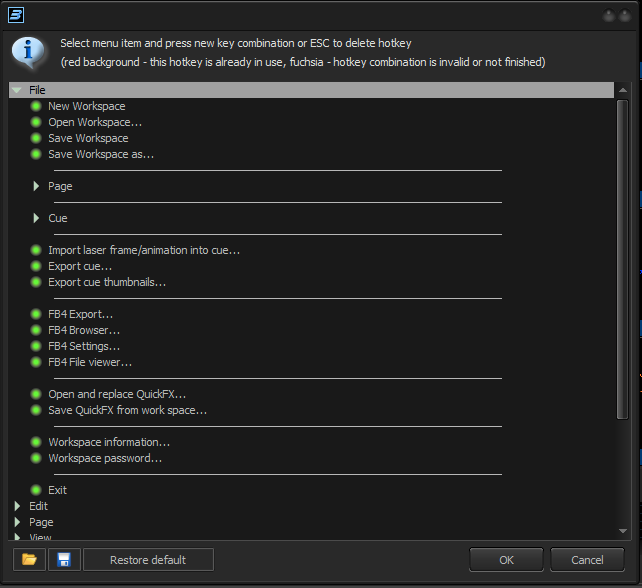
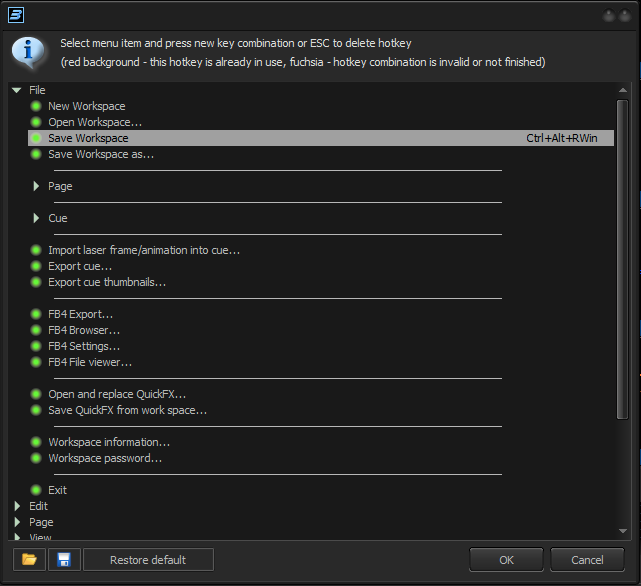
Select an entry with the mouse followed by the keyboard assignment you want to use. As confirmantion, the keyboard shortcut will be shown at the right side of the menu option.
beyond/menu-hotkeys.1705406677.txt · Last modified: by Bob Varkevisser