
tools:lcflash:main_control_window
Main control window
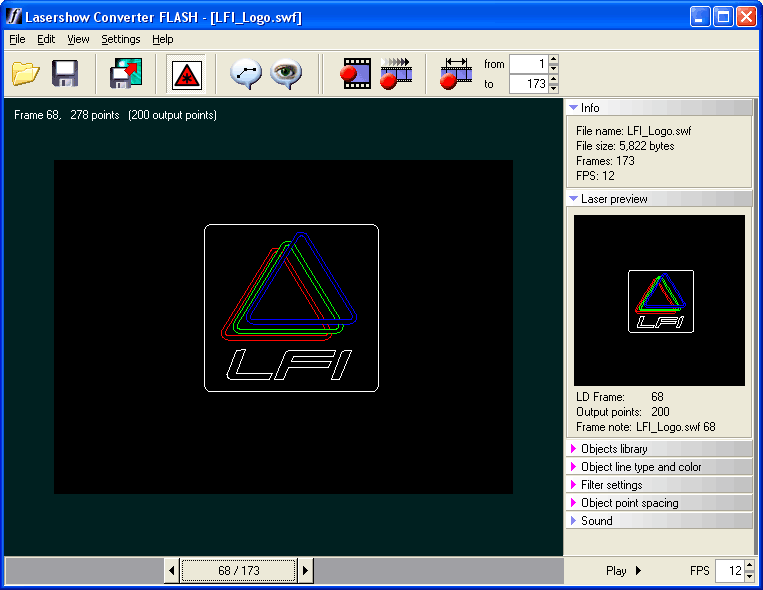
Below you will see a picture of the Lasershow Converter FLASH main control window. This window is divided into three sections. The largest section contains the Viewport, where you see the main visual representation of the FLASH file. The bottom section contains the Frame Slider. The right section contains the program controls and editing panels.
Click on this picture to get more information about the various buttons and areas. (Click anywhere that the cursor changes to a pointing finger.)
tools/lcflash/main_control_window.txt · Last modified: by Bob Varkevisser